How to add multiple destinations in Google Maps trips
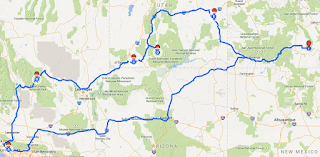
If you’re going on a long journey or planning for a long trip, with Google Maps, you can check the route as well as add your stops. Doesn’t matter how you’re traveling, Google Maps allow you to set multiple destinations. If you want to stop at various places while traveling, you can add your stops in the Google Maps. Here is how to add multiple destinations or stops in Google Maps. How to set multiple destinations in Google Maps app If you’re using Google Maps app in your mobile for navigation, then in the app you can set your stops. Process of adding multiple destinations in the app for both Android and iOS device is the same. Note: You can’t select multiple destinations for transit or rides. 1. Start the ‘Google Maps’ app on your mobile. 2. Tap the blue ‘Go’ button near the bottom right corner. 3. Tap the ‘Starting Location’ box and enter a location, pin a location on the map, or select your current location. 4...